
I can create an E2E dataset
Prerequisites
As a starting point for all further steps node.js and npm need to be installed.
Use the link to install mentioned toolset before going forward.
Get started
Install Artillery and npm-run-all (globally)
npm install -g artillery
npm install -g npm-run-all
Check the artillery installation 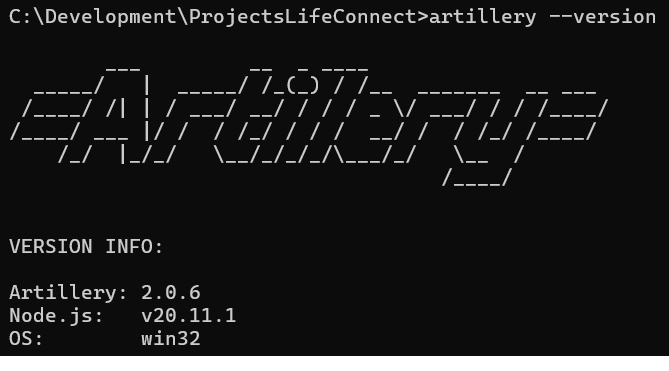
Clone the Git repository
Use the link to clone scripts repository
And switch to branch = LCS-3362_LifeConnect_handle_CFR
Environment activation
Copy one of the prepared environments file from the /envs folder to the project root and rename it to .env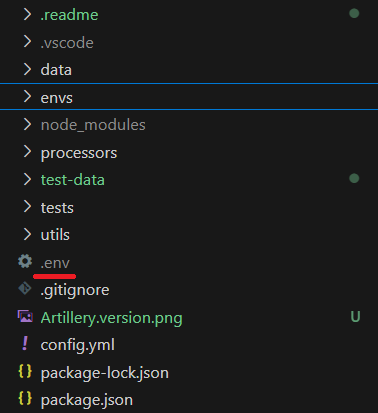
Typical use cases
Run one of the informational tests
artillery run tests/01-setup/retrieve-user-profile-info-admin.yml --dotenv .env -c config.yml -q
artillery run tests/01-setup/retrieve-user-profile-info-representative.yml --dotenv .env -c config.yml -q
Take the list of available commands
npm run
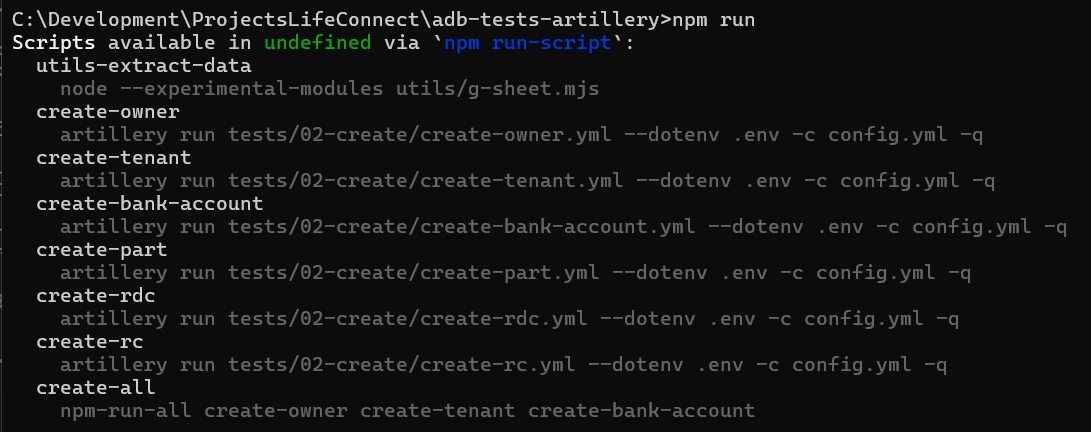
Options to run the datapooling commands
Run set of datapooling commands individually
npm-run-all create-owner create-tenant create-bank-account create-part
Run the whole set of commands
npm run create-all